


Why Choose Softucator?
Learn computer skills, understand modern technology and build practical digital knowledge with Softucator.
Easy Learning
Computer topics explained in a simple and beginner-friendly way.
Practical Knowledge
Learn concepts that can be understood and applied in real situations.
Modern Technology
Explore computers, digital tools, AI and other modern technologies.
Practice & Quizzes
Test your knowledge with quizzes and practice questions.
Frequently Asked Questions
Have questions about Softucator? Find your answer below.
Softucator focuses on making computer education simple, practical and easy to understand. Whether you are a beginner, student, job seeker or working professional, you can explore computer skills and digital technologies step by step.
Yes. Softucator is designed to be beginner-friendly. You can start with basic computer concepts and gradually move towards more advanced topics as your knowledge improves.
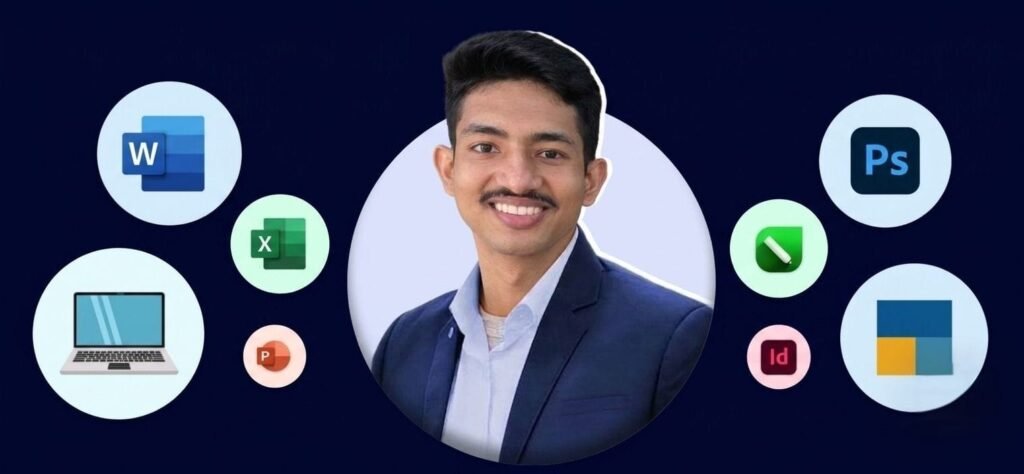
Softucator can provide learning resources covering computer fundamentals, Microsoft Office, MS Word, MS Excel, PowerPoint, graphic design, Adobe applications, AI tools, digital skills, internet basics, quizzes and other computer-related topics.
Absolutely. Students can use Softucator to improve their computer knowledge, learn software applications, practice important concepts and develop useful digital skills.
Yes. Softucator can help job seekers improve their computer knowledge and become more comfortable with common digital tools used in offices and professional environments.
No. Many topics can be learned from the beginning. You can start with basic concepts and gradually build your computer and digital skills.
Practical knowledge helps you understand how computer concepts can actually be used. It can help with documents, spreadsheets, presentations, online services, digital tools and everyday workplace tasks.
Yes. Softucator can introduce learners to Artificial Intelligence concepts and useful AI tools, helping students and professionals understand how modern AI technology can be used for learning, productivity and content creation.
Yes. Quizzes and practice questions can help learners test their understanding, revise important concepts and identify topics that require additional practice.
Yes. Online learning gives you flexibility. You can study according to your schedule and revisit topics whenever you need additional revision or practice.
Computer skills are used across many industries. Improving your digital knowledge can help you work with documents, spreadsheets, presentations, online tools and other digital applications used in modern workplaces.
Visit info.softucator.com, explore the available learning resources, choose a topic that interests you and start learning step by step.
Start Learning →Ready to Improve Your Computer Skills?
Start learning today and take your digital skills to the next level.